

When Zapier Stops Scaling: 7 Signs It’s Time to “Own Your Automation” (and a Safe Migration Playbook)
Imagine this. A request comes through to tweak a field in your CRM to a different data type. A member of the IT team makes the change and confirms it is working as intended. Within two hours, there are 12 alerts in Zapier that no-code workflows are failing. The blame game begins. While some of the zaps take a few minutes to fix, there is one that has to be completely re-designed, and one that should be working, but just isn’t.
While this exact scenario is fictitious, I’ve seen similar situations play out—situations where there are flows that people would like to change but don’t touch because each time someone does, it breaks for hours or days.
This may sound like I’m disparaging no-code and low-code workflows, but they have a very good place: initial automation, prototyping, non-critical workflows, and multi-step processes.
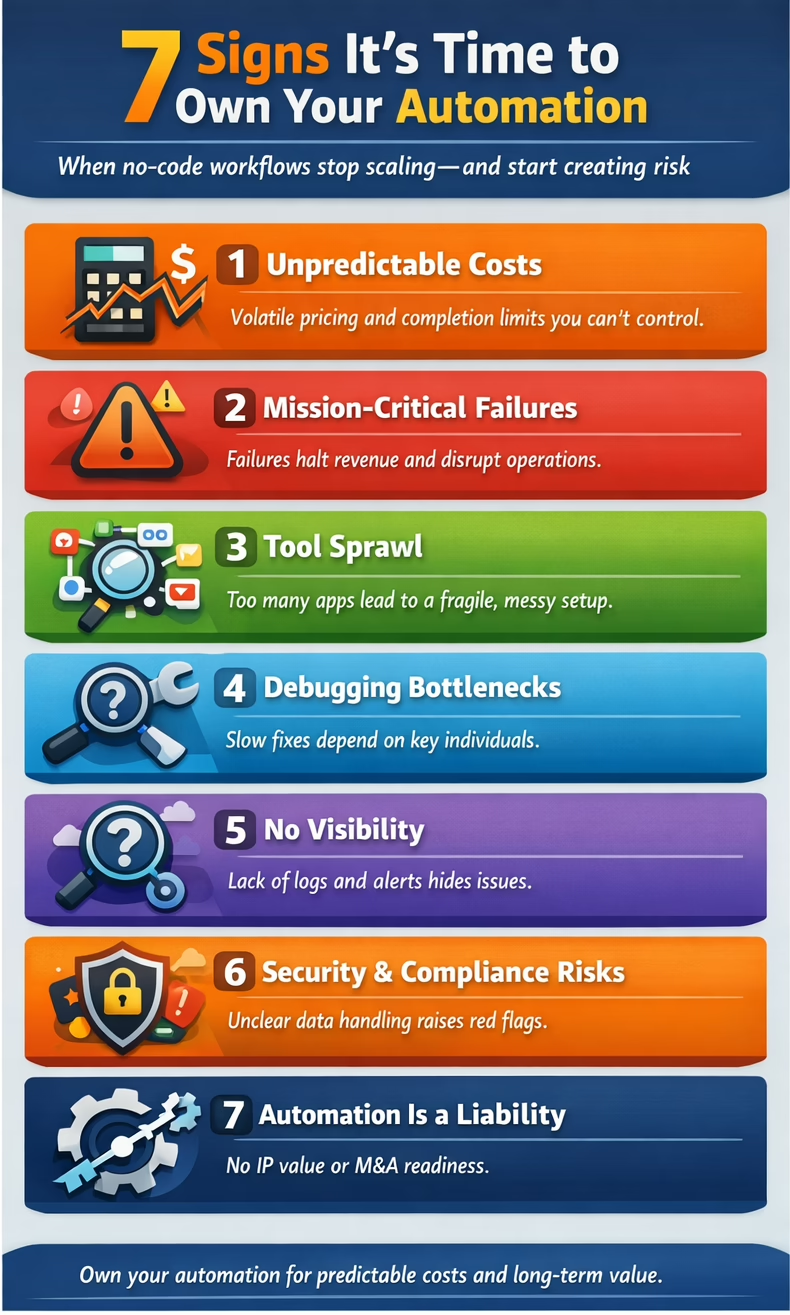
Seven Signs It’s Time to Convert a Workflow to Owned Code
- Volume is high, and costs and completions have become unpredictable.
- The workflow is mission-critical (you lose significant revenue when it isn’t functioning).
- Tool sprawl (e.g., Zapier + Make + Sheets + internal scripts).
- Debugging and updates are difficult—or rely on a single person.
- You need clarity behind the workflows (logs, metrics, better alerts).
- Security and compliance concerns have become major issues (where is this data at all times? what is the cleanup time on temporary data?).
- You care about intellectual property and business value (valuation and M&A readiness). Asset vs. liability.
Start With Confirmation of How Much You’re Spending on Workflows
What to measure:
- Number of automations
- Average number of failures per month
- Average time to repair
- Time spent fixing workflows each month
Although estimating the cost of converting workflows is difficult without specific details, expect an initial upfront expense followed by ongoing hosting fees. If you’re already spending over $100 per month on workflows, plan to save at least 80% annually after the conversion.
The key questions are the cost of developing the new code, how valuable the new code is as an asset versus a dependency, and whether there is capital available for the initial investment.
Migration Playbook
1) Inventory Your Automations
- List workflows, triggers, connected systems, data moved, and owners.
2) Define the System of Record for Each Domain
- Identify the single source of truth for each domain (customers, billing, payroll, projects, etc.).
- Note: multi-master bi-directional workflows are possible but problematic.
3) Convert the Highest-Impact Workflow First
- Pick one that is high-volume, high-friction, and high-risk.
4) Build It as a Small Service With Guardrails
- Validation rules
- Idempotency (duplication, replays)
- Retries
- Rate-limit handling
5) Run in Parallel for a Safe Cutover
- Compare outputs
- Check edge cases
- Switch half of traffic—or all of traffic—when confident
6) Add Observability and Ownership
- Logs, metrics, alerts, and documentation for handoff
The Results
- Predictable cost
- Fewer failures + faster debugging
- Better security posture
- Easier onboarding for new team members
- Automation becomes an asset—not a subscription
Practical Examples
Need help? Contact us for an automation audit.
Share 2–3 workflow examples with us, and we can help you understand the potential ROI from conversion.
